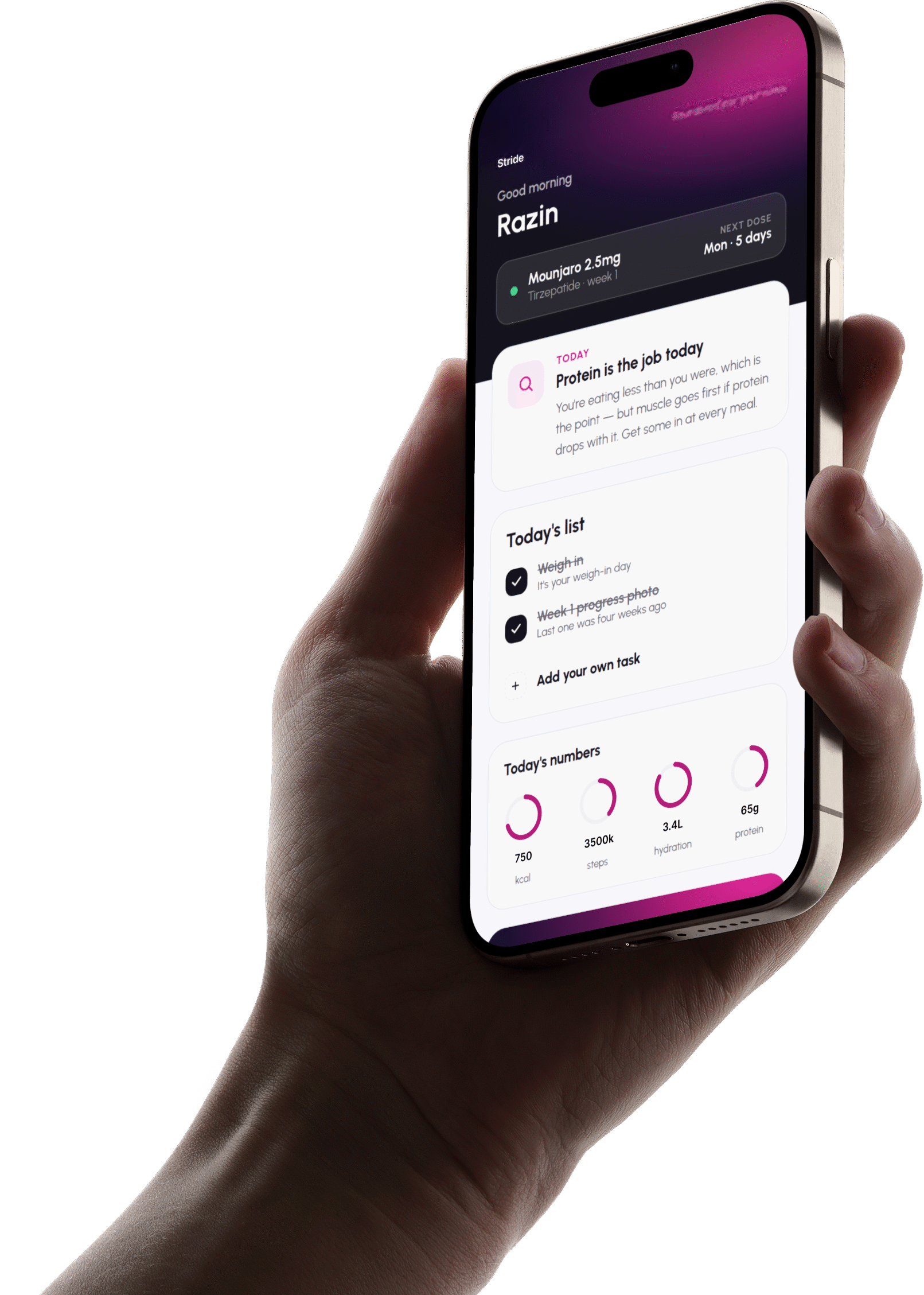
Everything in one place
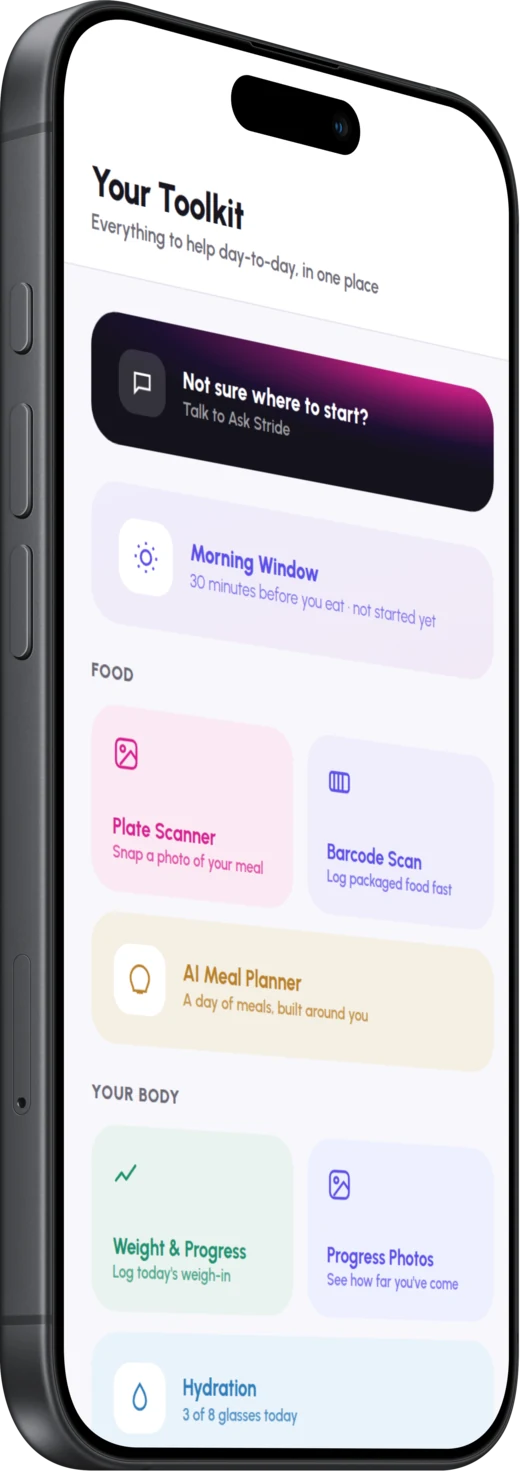
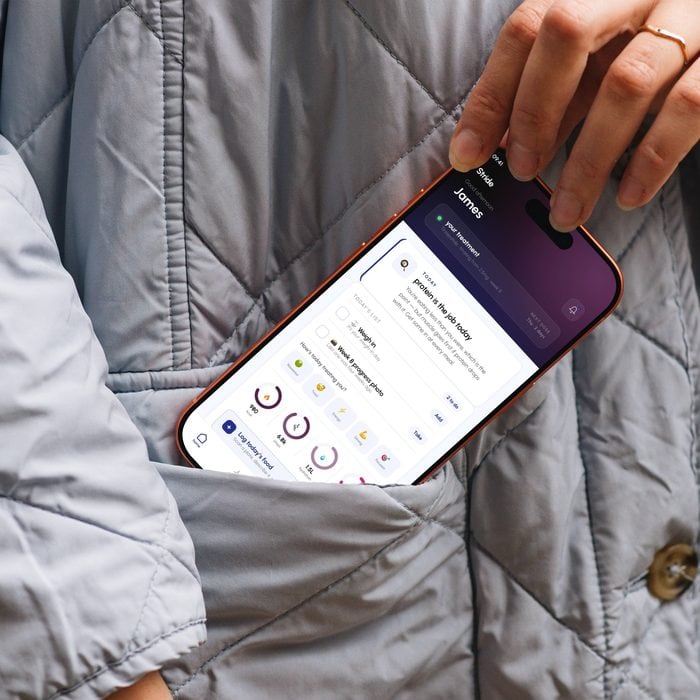
Five things the app does: scan, track, nudge, weigh and support.
One place instead of four apps and a notebook.
Stride mobile app • Free with every weight loss plan
Your plan is the start. The app is what keeps you going.


Five things the app does: scan, track, nudge, weigh and support.
One place instead of four apps and a notebook.
Free on iOS and Android with every Stride plan. No upgrade, no paid tier and nothing held back.
Ordering takes a minute. Staying with it takes a year, and the app is built for the year.
Live from the day your order is confirmed, so it is waiting for you before the treatment arrives.
The same record is open at your monthly review, so the next decision rests on evidence rather than recall.
The team who dispensed your treatment are the ones who answer, and you can write between reviews.
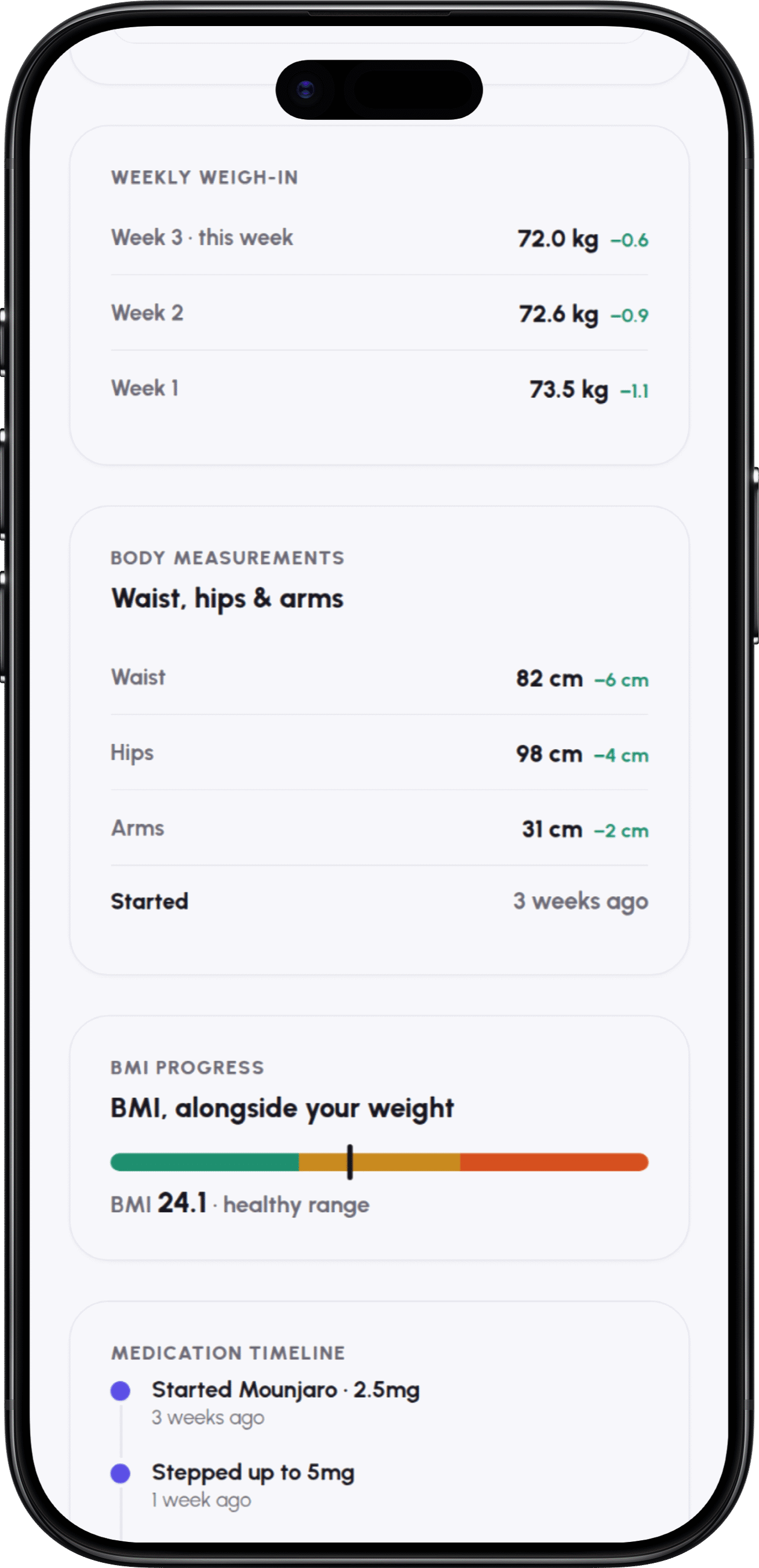
Scan a barcode, or let the scales send their own reading. Most of the record fills in without typing.
Dose increases, plateaus and side effects are the weeks that need a response, not just a record.
Living with it
Not the feature list again. What one ordinary day on treatment actually looks like, and where the app takes some of the weight.
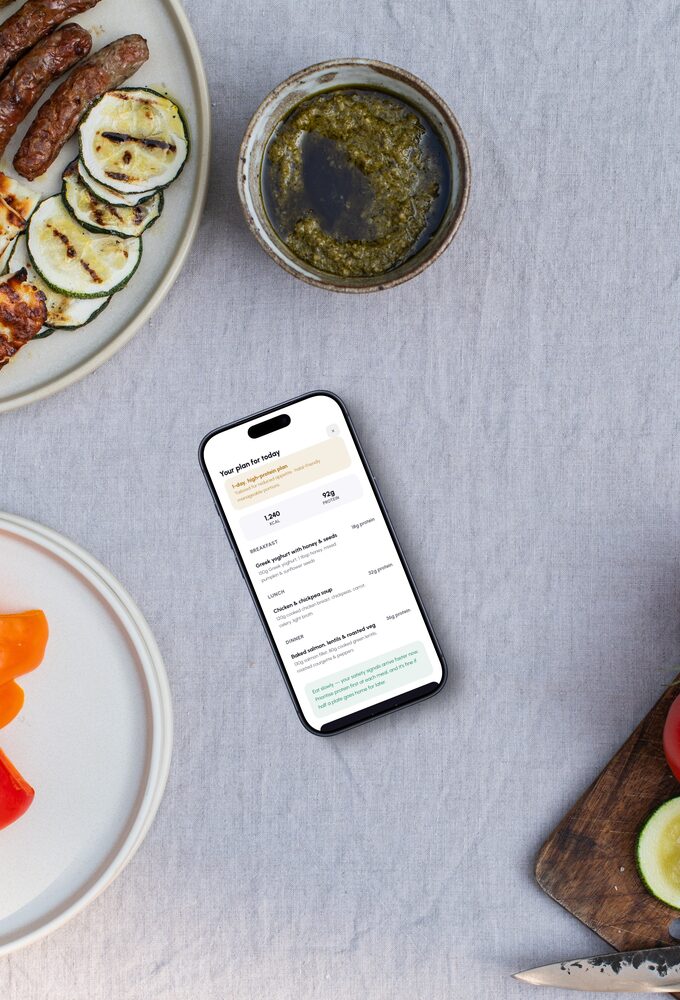
Morning
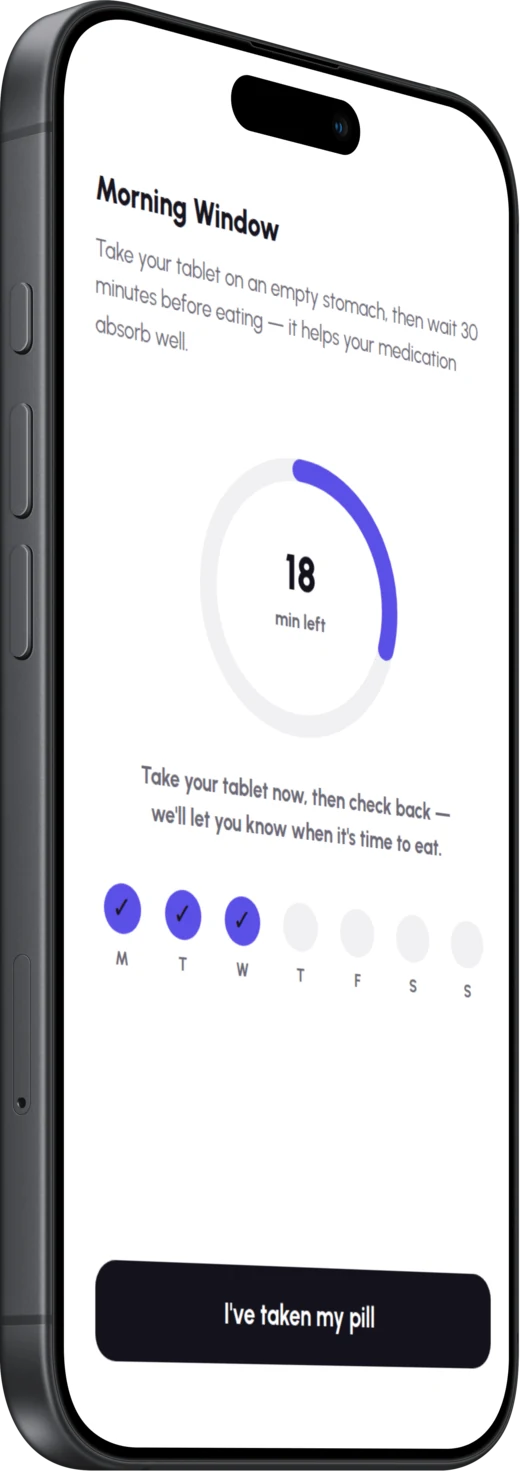
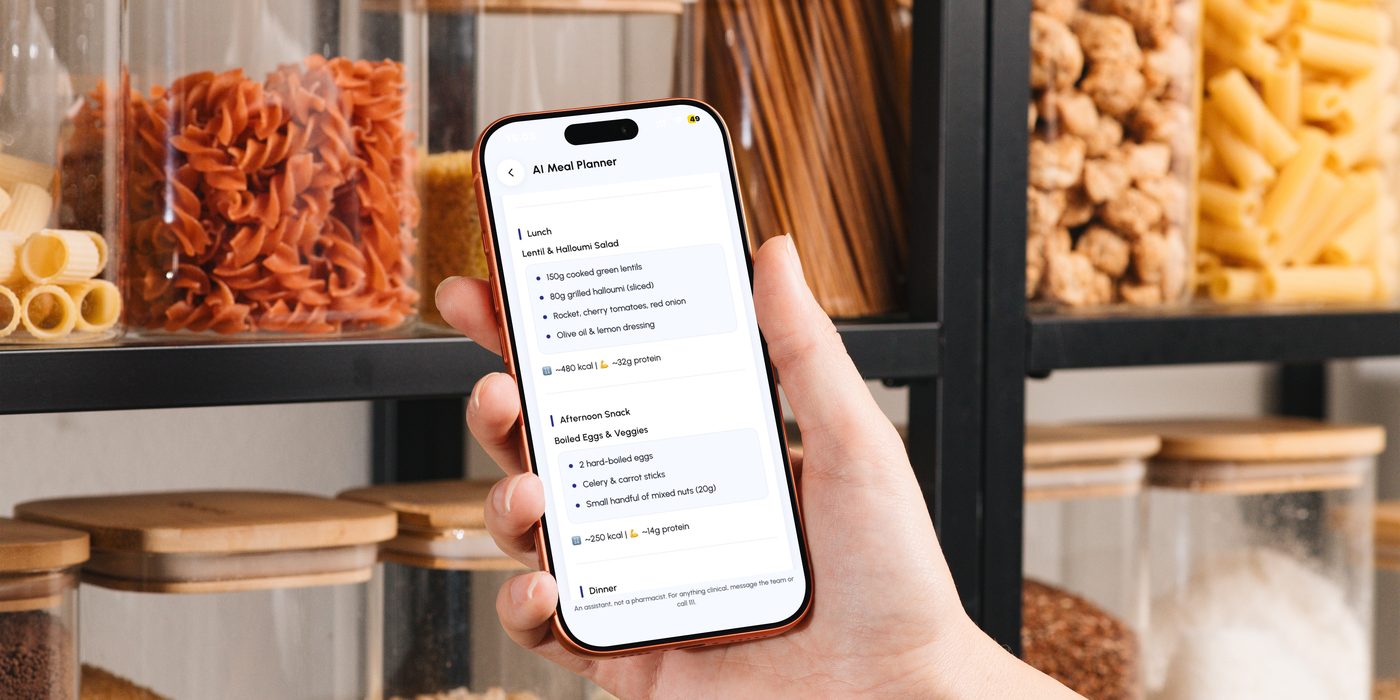
Appetite is at its lowest first thing and protein is the easiest thing to miss. The app opens on one suggestion built round what you have actually eaten this week, so the first meal of the day takes a tap rather than a decision.
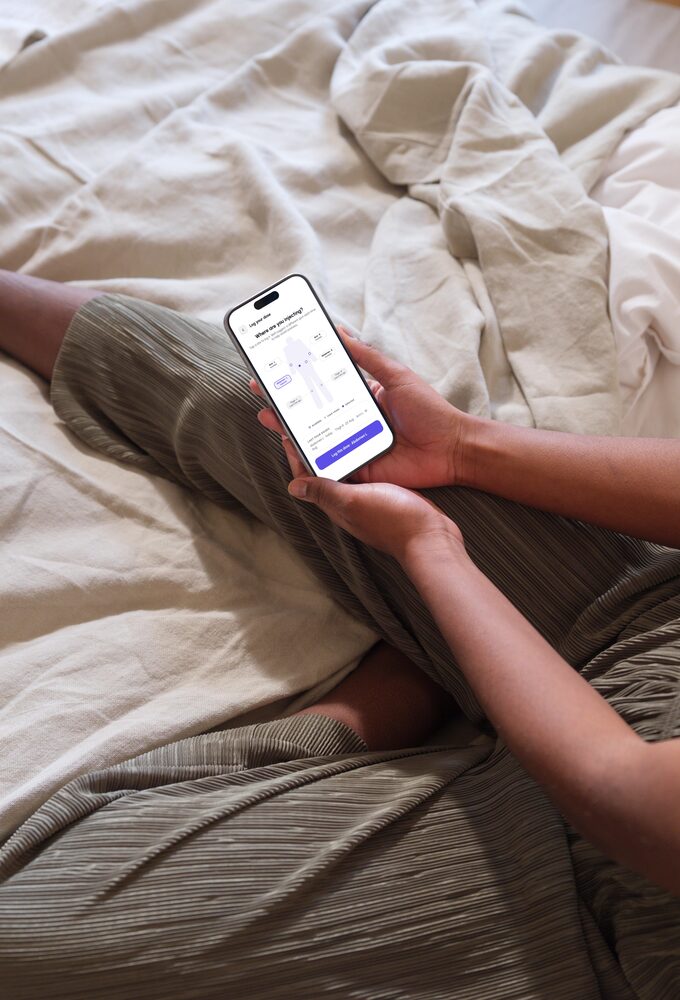
Injection time
On the morning it is due the reminder is already waiting. Tap the site you used and everywhere you have injected in the last four weeks greys out, so the rotation looks after itself and the history is there at your next review.
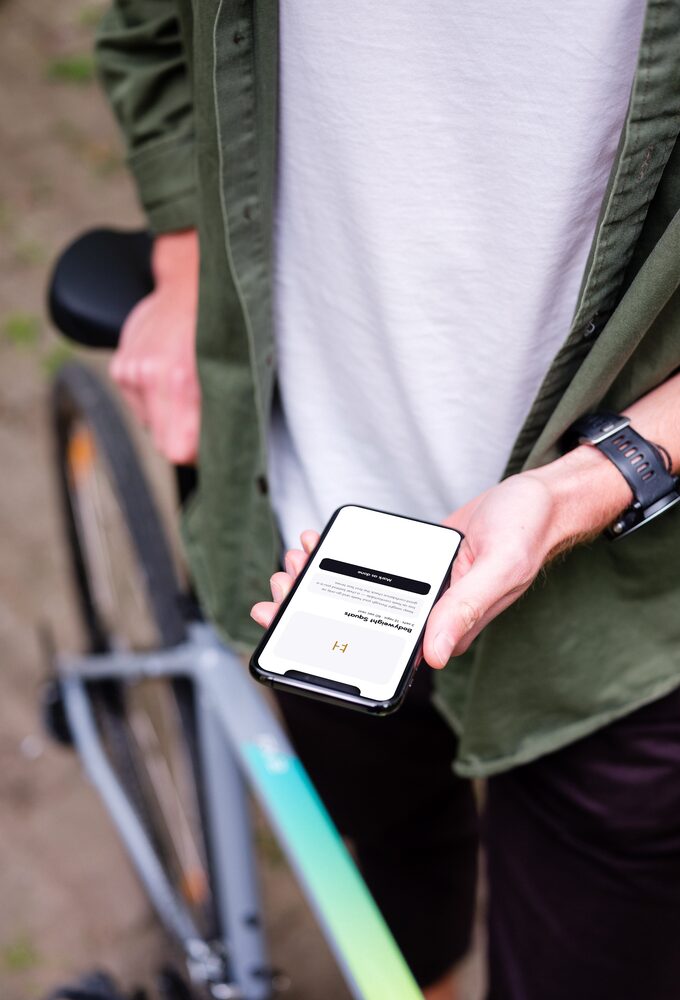
Afternoon
Some of what comes off on these medicines is muscle, so there is a short strength plan built round the kit you have and the time you can give it. Tick the movements off as you go and the week counts itself.
Evening
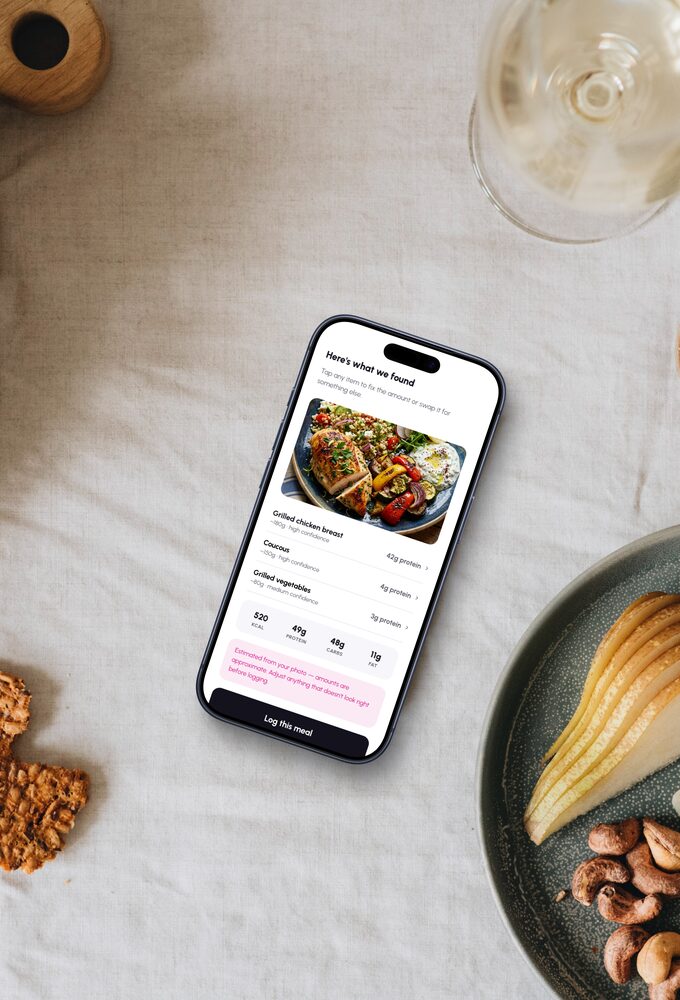
Log a meal from a photo, a barcode or your usuals, and a glass of water in one tap. The app holds a calorie floor rather than a limit, with a protein goal and a hydration target beside it, and shows what the day is still short of while there is time to fix it.
What the app does
Ordering is the part every provider has solved. What happens in the weeks afterwards is the part that decides whether any of it works.
01.
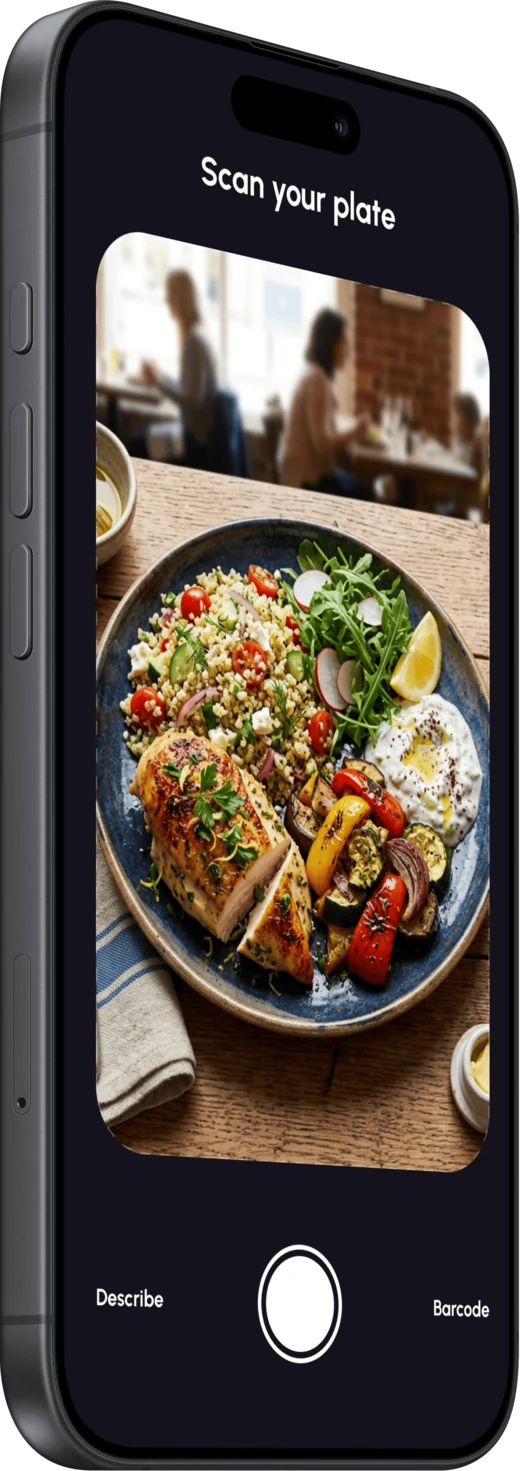
Point the camera at a barcode or at the plate in front of you and the entry fills itself in. No searching a database for the closest match.
02.
Water and protein logged as you go, so the day adds up on its own rather than being reconstructed from memory at bedtime.
03.
Reminders that come from what you have actually logged, not from a fixed timetable that keeps prompting you for something you did an hour ago.
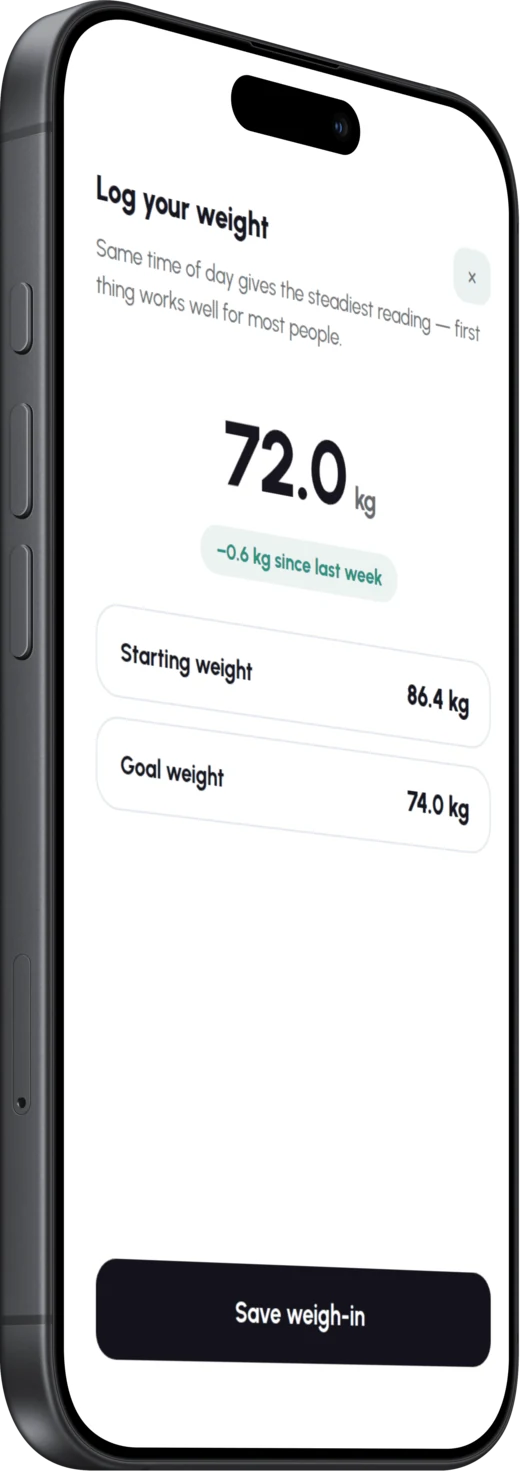
04.
Smart scales connect over Bluetooth and the reading logs itself. Nothing to type in, nothing to remember, and no gap in the record when a week gets busy.
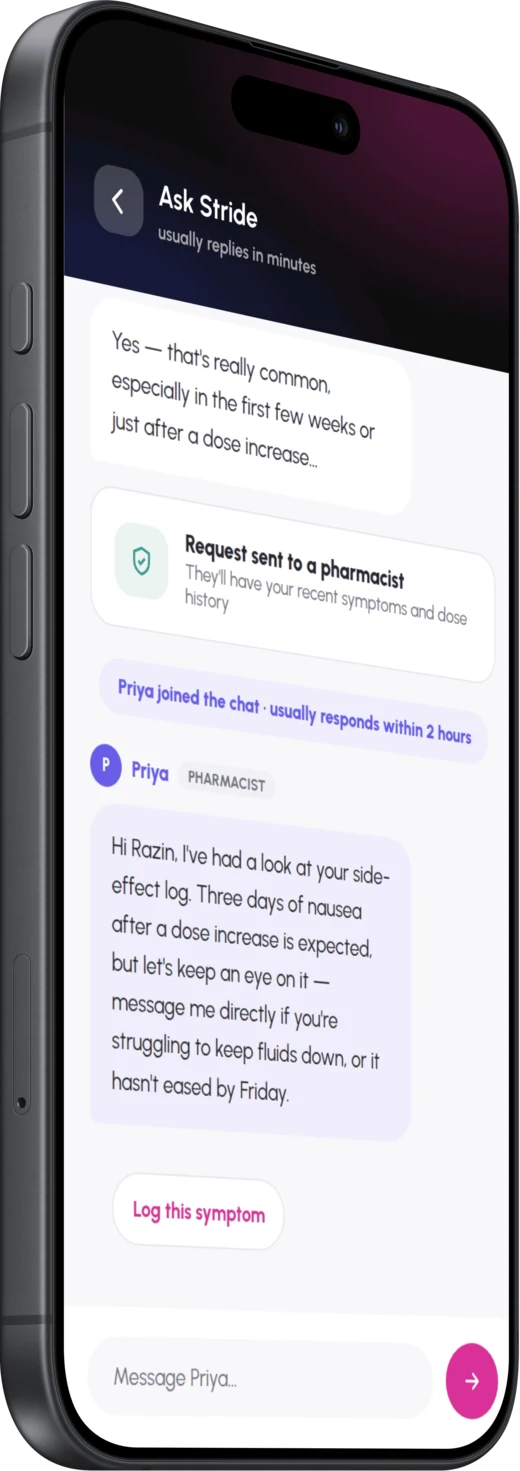
05.
Flag a side effect and get a response written for that side effect, with a route through to the pharmacy team whenever it needs one.
Free on iOS and Android
Already a patient? Sign in with your account
Trouble getting started? Message the pharmacy team
“A prescription takes a few minutes to check and a day to arrive. What keeps someone going at month six is having had someone paying attention at month two. That ongoing support is the real product, and the app is how we get it to people every day rather than once a month.”

Naeem Seth
Superintendent Pharmacist
Extensive experience in community pharmacy and independent prescribing, now leading clinical governance across our prescribing services.

The difference
Which is fine, if the order was the hard part.
| What it does | Others | Stride |
|---|---|---|
| Reorder your prescription | Yes | Yes |
| Track your delivery | Yes | Yes |
| Remind you a dose is due | Yes | Yes |
| Scan a barcode or a plate to log a meal | No | Yes |
| Track protein and hydration as you go | No | Yes |
| Nudge you from what you actually logged | No | Yes |
| Log weigh-ins from the scales themselves | No | Yes |
| Answer a side effect, not just record it | No | Yes |
Based on the ordering and reminder features common to UK pharmacy apps. Not a comparison against any named provider.